Simple Sleep Control
macOS
Control exactly when your Mac sleeps.

A lightweight, no-fuss menu-bar app that puts your Mac's sleep behavior in your hands. One click to stay awake, one click to let go.
Keep your Mac — or just its display — awake while you download, present, render, or read. Then let it sleep exactly when you want: at a time you pick, or after a timer runs out.
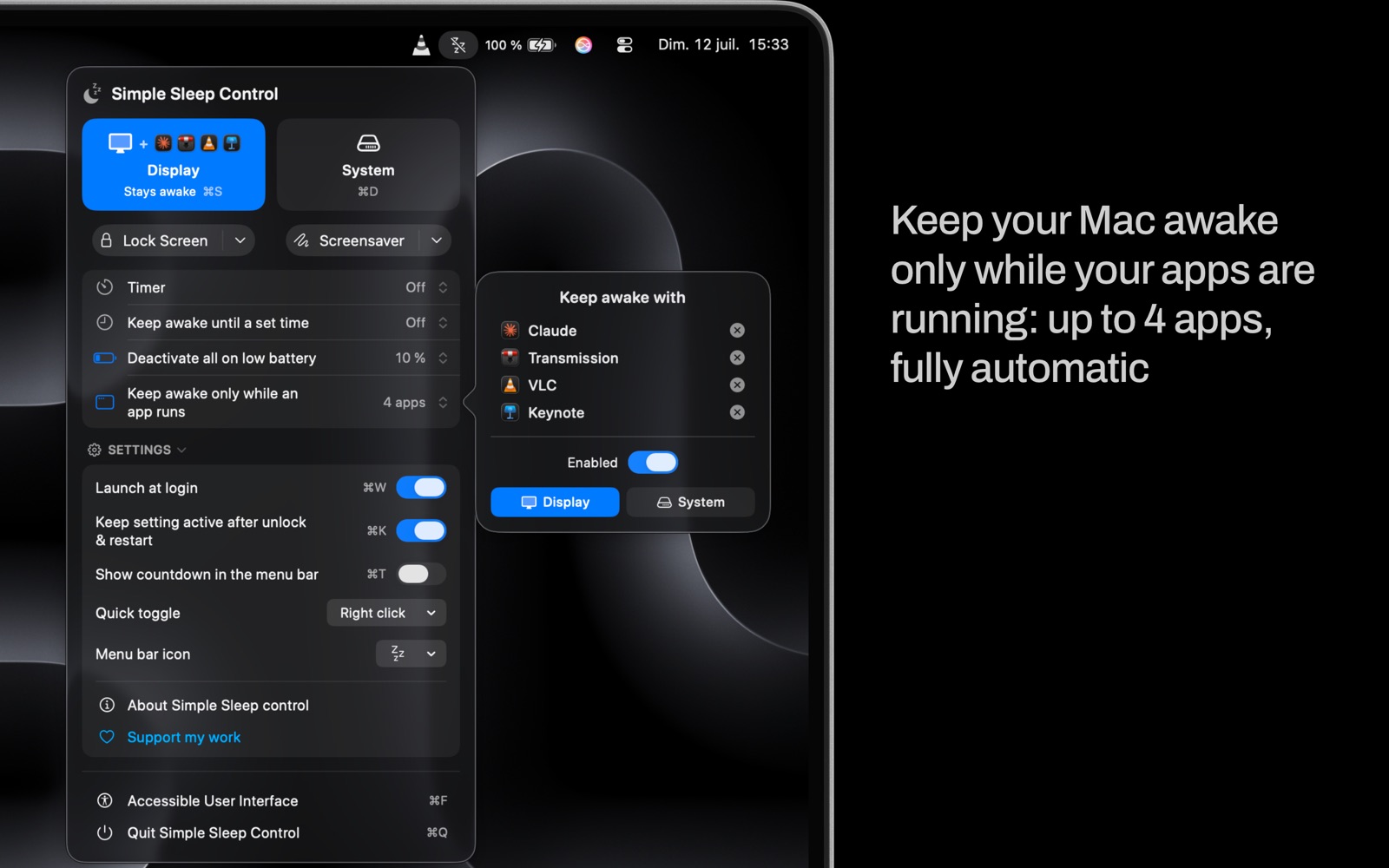
Or let it decide for you. Choose up to four apps, and your Mac stays awake only while they are running — the app launches, your Mac stays up; it quits, everything goes back to normal.
- Prevent display sleep or system sleep in one click
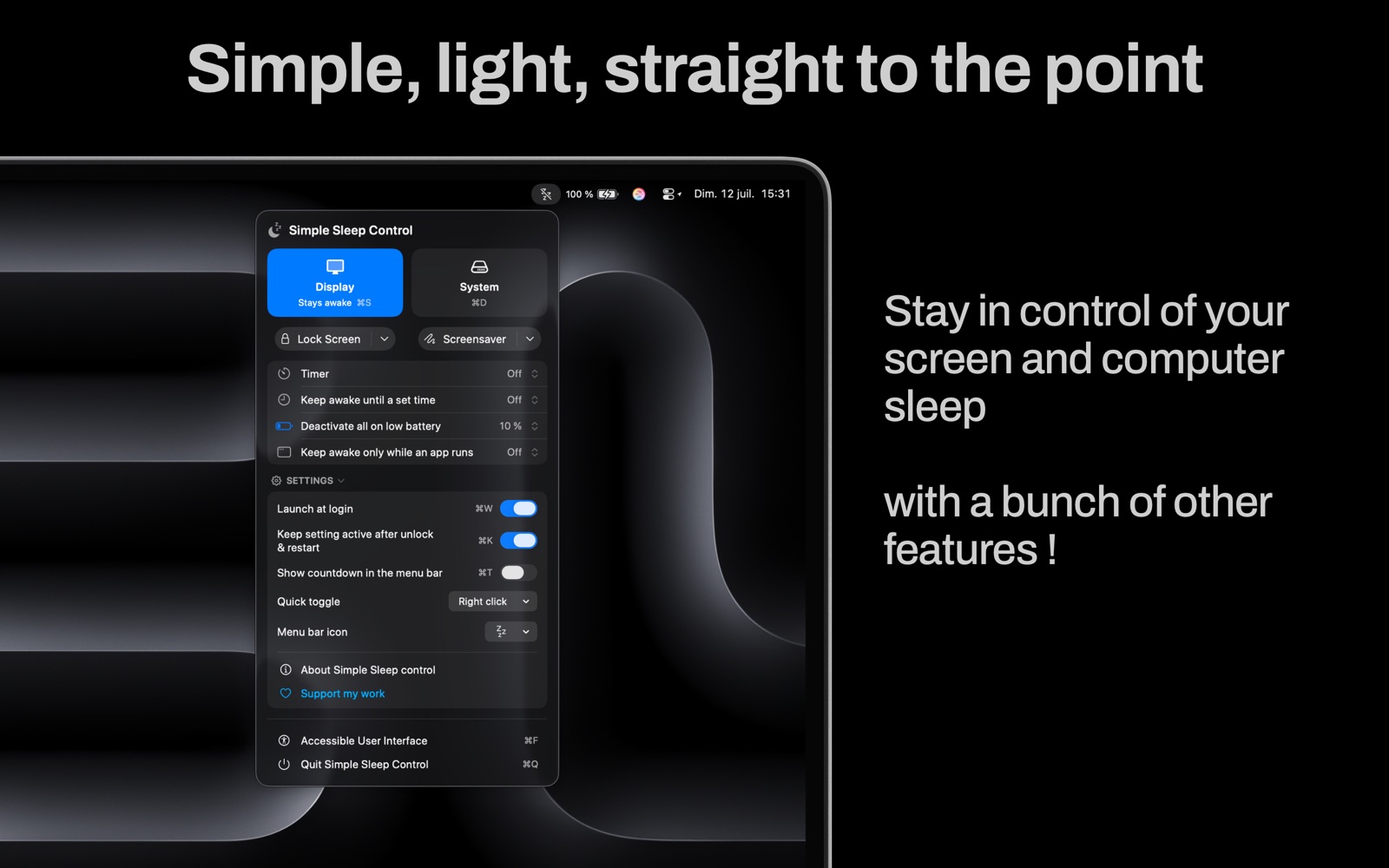
- Stay awake automatically while your chosen apps are running — up to four
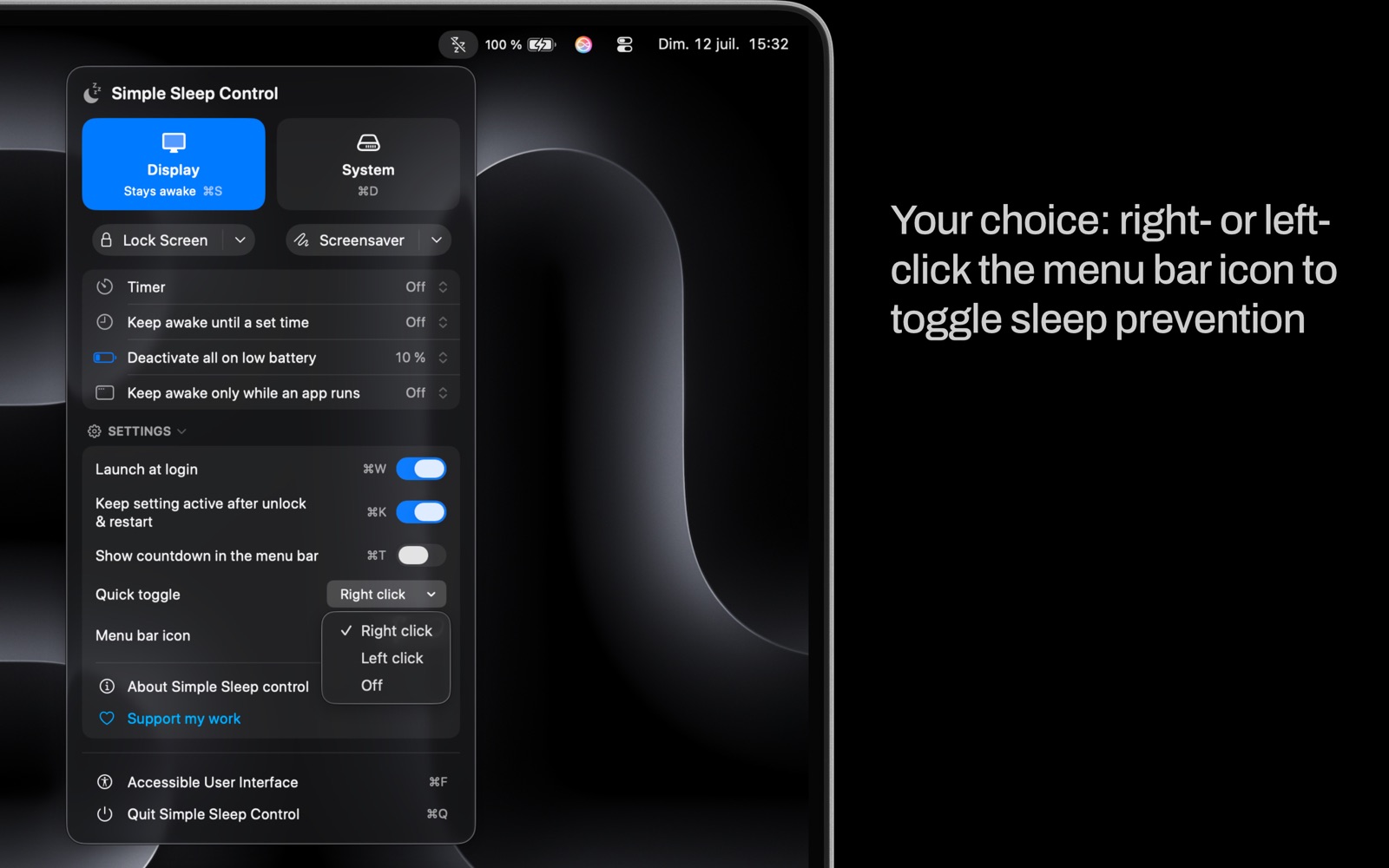
- Turn prevention on or off from the menu bar, without opening the panel
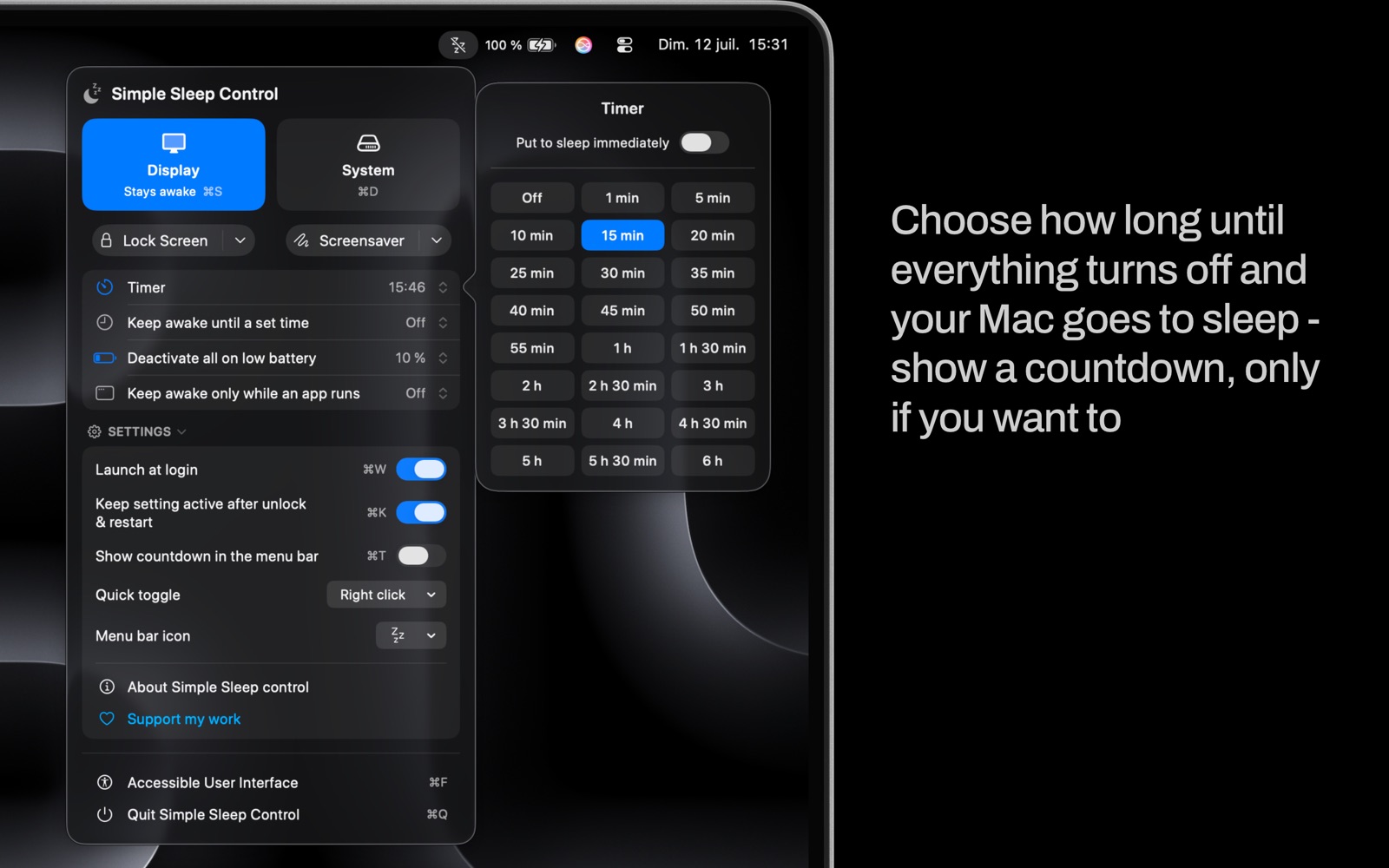
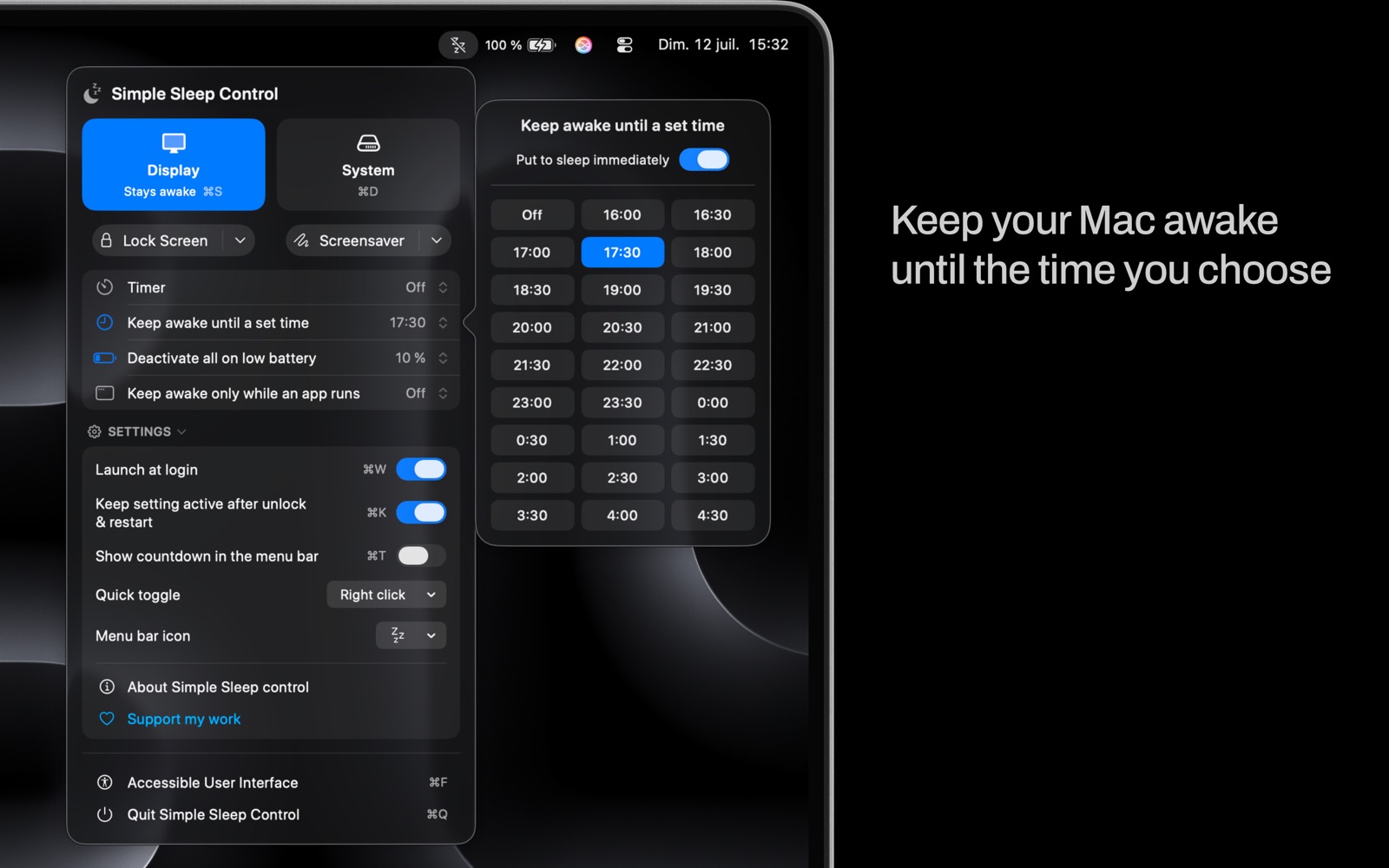
- Keep your Mac awake until a time you choose, or set a timer from 1 minute to 6 hours
- An optional countdown in the menu bar shows the time remaining
- Choose what happens at the end: sleep right away, or go back to normal
- Lock the screen or start the screen saver while staying awake
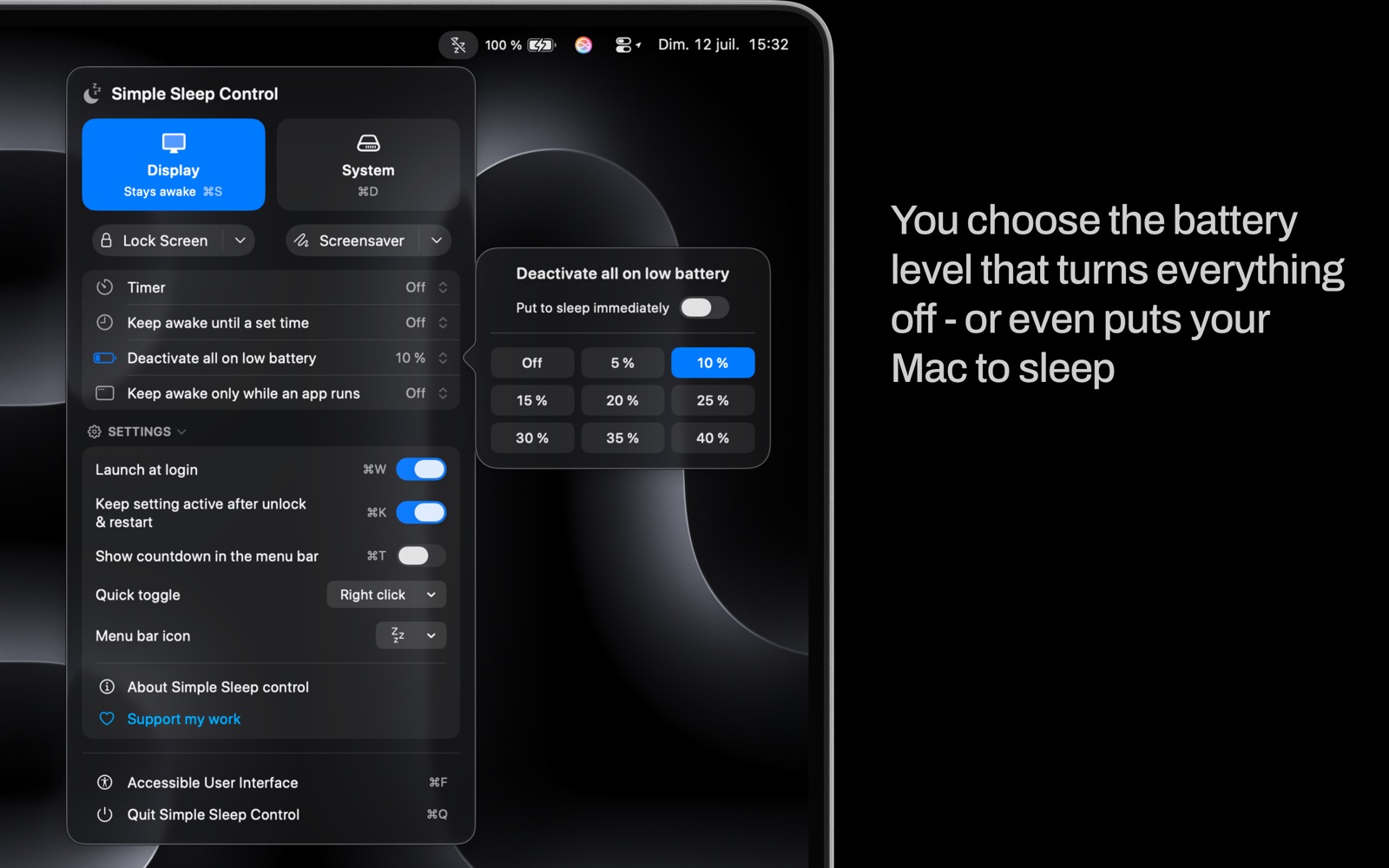
- Low-battery safety net, at the level you choose, to protect the battery
- Keyboard shortcuts for everything
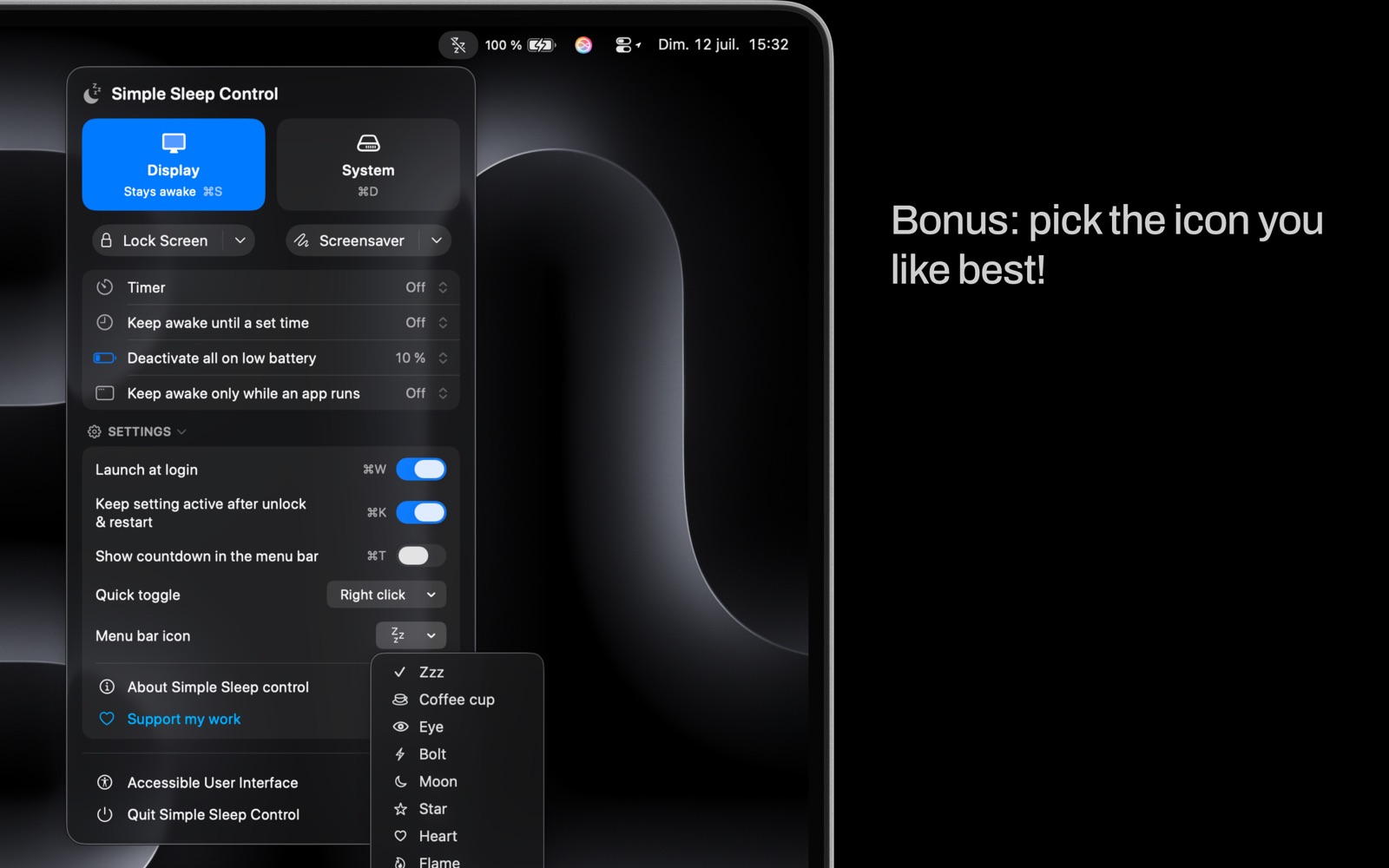
- Pick the menu-bar icon you like best
- Your setting stays active after you unlock or restart, and the app can open at login
- A dedicated VoiceOver interface (⌘F), with every feature — in nine languages